I still remember the first time I opened Notion and thought, “This looks simple enough, but how do people actually make money with it?” A few weeks later, I built my first template, shared it online, and realized something powerful: people will happily pay for tools that save them time and keep their life organized. If you want more ideas for making money in the AI era, grab 21 HIGH INCOME SKILLS TO LEARN IN THIS AI ERA.
That’s the beauty of Notion templates. You do the work once, and then you can sell that same product over and over again. It is not a “get rich quick” trick, but it can become a real source of passive income when you create something useful, simple, and easy to buy.
What Is a Notion Template?
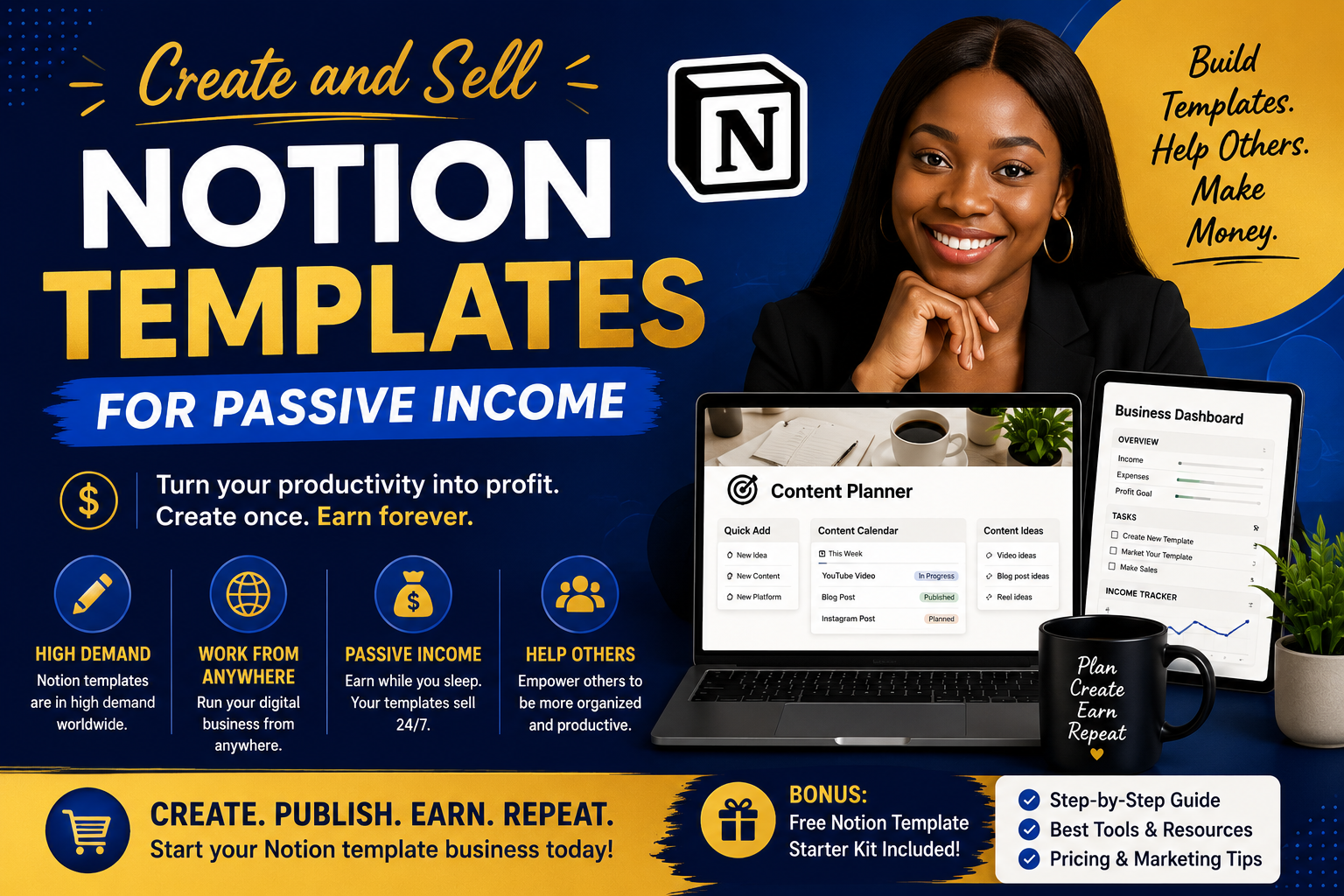
A Notion template is a ready-made page or system inside Notion that helps someone stay organized. It can be a budget tracker, content planner, habit tracker, business dashboard, student planner, meal planner, or even a prayer journal.
Instead of building everything from scratch, your buyer opens your template and starts using it right away. That is why templates sell so well. They solve a problem fast.
Why you should create and sell Notion Templates to Make Good Passive Income
Notion is popular because it is clean, flexible, and easy to customize. People use it for work, school, business, and personal life. That means there is room for all kinds of templates.
Once you create a strong template, you can list it on your own store, on platforms like Gumroad or Payhip, or even on marketplaces like Etsy. Then you can keep sharing your product through social media, email, Pinterest, or YouTube.
If you already sell digital products, you can also add Notion templates to your shop. You can browse my shop homepage and see how digital products can fit into a simple online business.
Step 1: Choose a Problem People Already Have
The best templates are not random. They solve a real problem.
Ask yourself:
- What are people trying to organize?
- What task feels messy or stressful?
- What system would save them time?
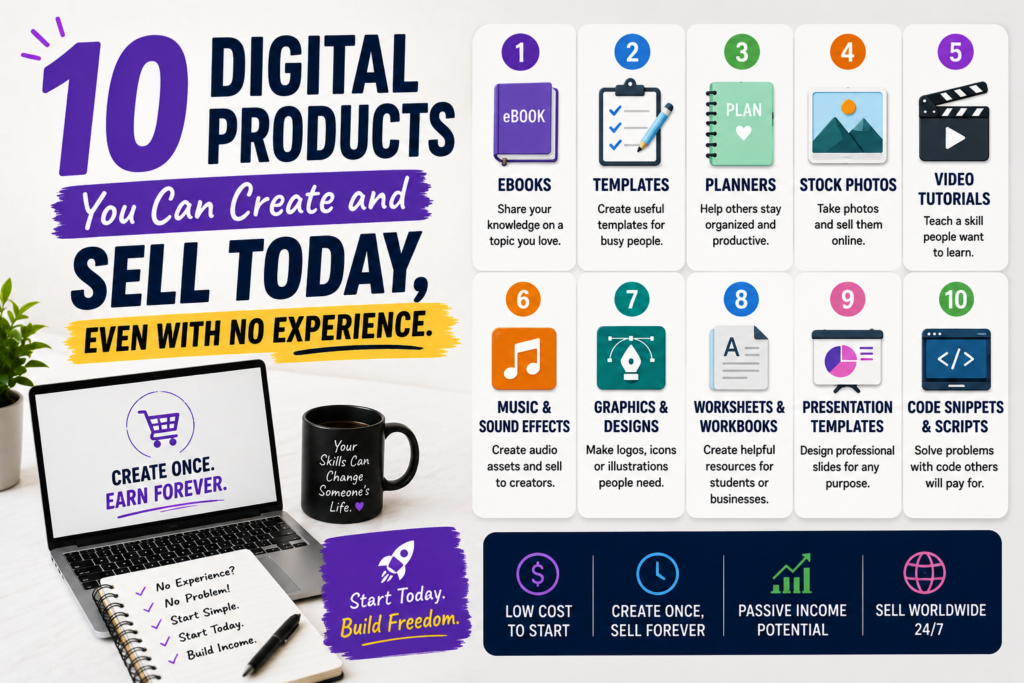
Here are a few easy template ideas:
- Small business content planner
- Budget and expense tracker
- Client onboarding dashboard
- Goal planner for the new year
- Student study tracker
- Faith journal or Bible study planner
Choose one audience first. The more specific you are, the easier it is to sell.
Step 2: Build a Simple, Helpful Template
OTHER RELEVANT BLOG POST
You do not need a fancy design to make money. In fact, simple often sells better because it is easier to use.
Start with the basics:
- A clear title
- Easy navigation
- Helpful sections
- Buttons or links to key pages
- Instructions for the buyer
Keep asking, “Would this be easy for a beginner to use?” If the answer is yes, you are on the right track.
You can learn more about the platform from the Notion Help Center and browse the official Notion templates for inspiration.
Step 3: Use AI to Save Time
This is where things get exciting. AI can help you create faster without doing everything from scratch.
Here is how I like to use AI when building digital products:
- Brainstorm template ideas
- Write product names and descriptions
- Outline sections for the template
- Improve your sales page copy
- Create social media captions
- Write FAQ answers for buyers
You can use tools like ChatGPT, Claude, Notion AI, or Gemini to speed up your workflow. Just remember to edit everything so it sounds like you and fits your audience.
AI should help you work smarter, not make your product feel generic.
Step 4: Make It Easy to Buy
When you sell digital products, the buying process should feel simple. Confusing checkout pages or too many steps can stop people from purchasing.
To make things easier:
- Use clear product photos or mockups
- Write a short, benefit-focused description
- Show what is included
- Explain who the template is for
- Tell buyers how they will receive the file
If you want an example of how to present products clearly, check out my faith-based digital products.
Step 5: Price Your Template Wisely
Pricing can feel scary at first, but it does not have to be complicated. Start with a price that matches the value you are giving.
A simple template may sell for less, while a more detailed business system can sell for more. You can also create bundles later, which gives buyers more value and increases your income.
Here is a simple rule:
- Easy template = lower price
- More detailed system = higher price
- Bundle = even better value
Do not undervalue your work. A good template can save someone hours of time.
Step 6: Market It Consistently
This part matters a lot. A great product still needs visibility. If people do not know it exists, they cannot buy it.
Try these marketing ideas:
- Post short demo videos on TikTok or Instagram Reels
- Share before-and-after screenshots on Pinterest
- Make YouTube tutorials showing how your template works
- Write blog posts around the problem your template solves
- Send email updates to your list
One simple template can turn into many pieces of content. That is how passive income starts to build.
Helpful Tools for Creating and Selling Notion Templates
- Notion — for building the template
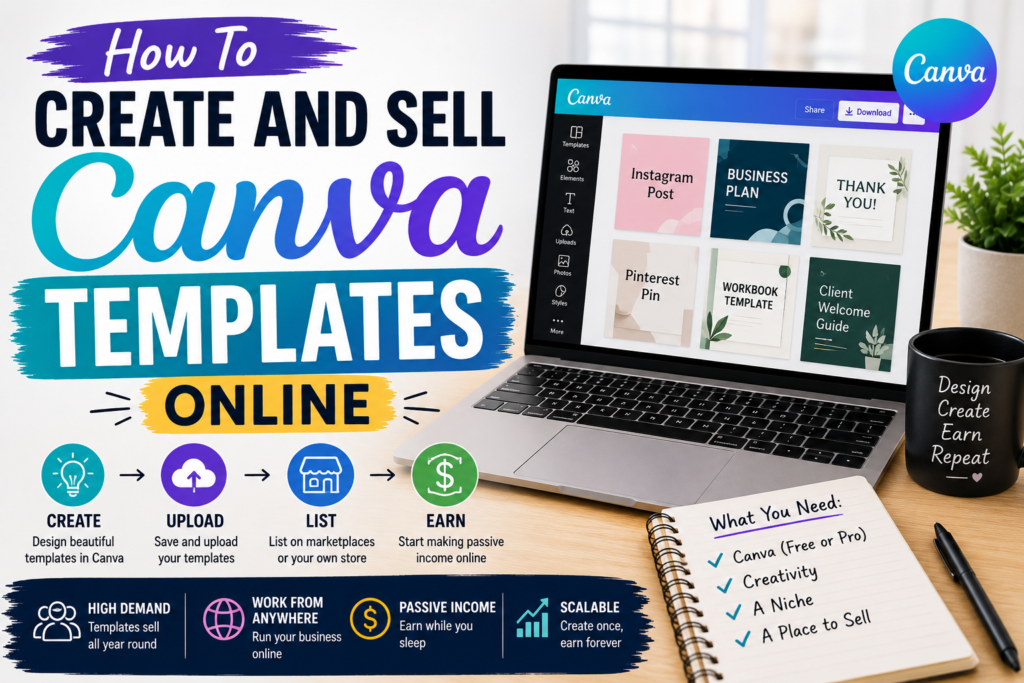
- Canva — for mockups, cover images, and promo graphics
- ChatGPT or Claude — for brainstorming and writing support
- Gumroad or Payhip — for selling your digital product
- Pinterest — for traffic and discovery
- YouTube — for tutorials and trust-building
If you want to create cleaner visuals for your listing, Canva is a great place to start.
Tips to Help Your Template Sell Better
- Pick one clear audience
- Keep the design clean
- Add a short tutorial or instructions page
- Use real keywords people search for
- Show the outcome, not just the template features
- Update your product when needed
People buy transformation. They want a better, easier way to stay organized or grow their business.
FAQ: Creating and Selling Notion Templates
Do I need to be a Notion expert?
No. You can start with simple layouts and learn as you go. Some of the best-selling templates are easy to use and beginner-friendly.
Can I use AI to help me create a template?
Yes. AI is great for brainstorming, writing copy, and planning your template structure. Just make sure you review everything and make it your own.
Where can I sell my Notion templates?
You can sell them on your own website, Gumroad, Payhip, Etsy, or a digital product shop. Choose the place that feels easiest for you to manage.
How do I get people to find my template?
Use social media, Pinterest, blog posts, email marketing, and YouTube. Focus on the problem your template solves so the right people can find it.
Can Notion templates really become passive income?
Yes, but they still need setup, marketing, and updates. Once your system is in place, they can keep selling with much less daily effort.
Final Thoughts
If you have been waiting for the “perfect” time to start, this is your sign. Create one useful Notion template, keep it simple, and put it out into the world. You do not need to be perfect to begin. You just need to start.
And if you want to keep building skills that can help you earn online in this AI era, I encourage you to keep learning, keep creating, and keep selling products that truly help people.
SUBSCRIBE TO MY YOUTUBE CHANNEL TO LEARN HOW TO CREATE DIGITAL PRODUCTS.