I still remember the first time I made a printable planner. It was a simple weekly planner I created late at night with a cup of tea beside me, mostly because I wanted to get my own life a little more organized. I had no idea that a basic planner could turn into a digital product people would actually buy. If you’ve ever wanted a simple, beginner-friendly way to earn online, creating and selling printable planners is one of the easiest places to start.
What I love about planners is that they solve a real problem. People want to stay organized, save time, track habits, plan goals, and feel less overwhelmed. That means printable planners are not just cute designs; they’re useful products with real value. And when you add AI into the mix, creating them becomes faster, easier, and much more manageable.
What Is a Printable Planner?
A printable planner is a digital file that customers download and print at home or at a print shop. It can be a daily planner, weekly planner, meal planner, budget tracker, goal-setting worksheet, habit tracker, or full planner bundle. The best part is that you create it once and can sell it again and again.
People buy printable planners because they want something simple, affordable, and easy to use. You do not need to ship anything, handle inventory, or worry about packaging. You just create the file, upload it, and let buyers download it.
Why Printable Planners Are Great for Beginners
If you’re new to digital products, printable planners are a smart choice because:
- They are easy to understand and create.
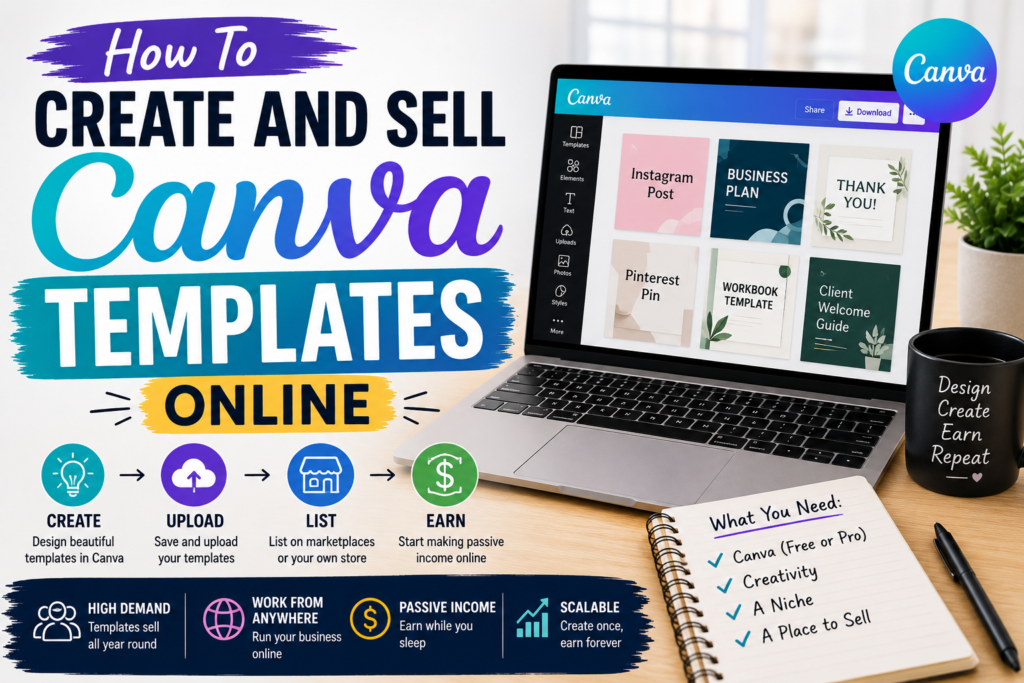
- They can be made with beginner-friendly tools like Canva.
- They are useful for many different audiences.
- They can be sold on platforms like Etsy, Gumroad, Payhip, and your own website.
- They work well as part of a bigger digital product business.
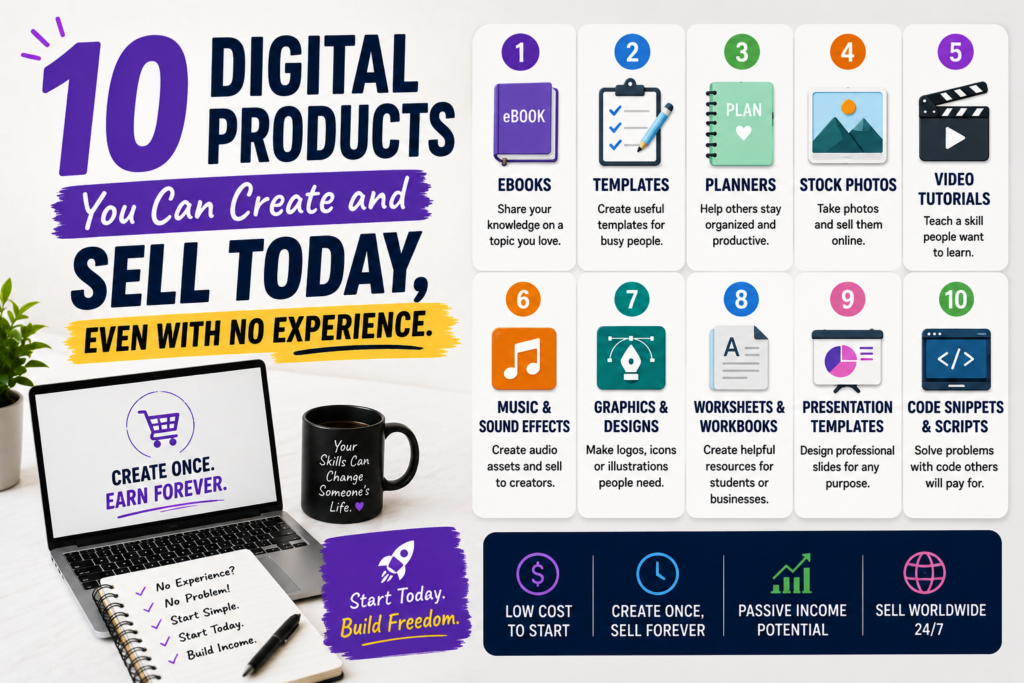
If you want to explore more ideas for digital products, you may also like these digital product ideas and this guide on using AI to create digital products.
CLICK TO BUY MY DIGITAL PRODUCTS
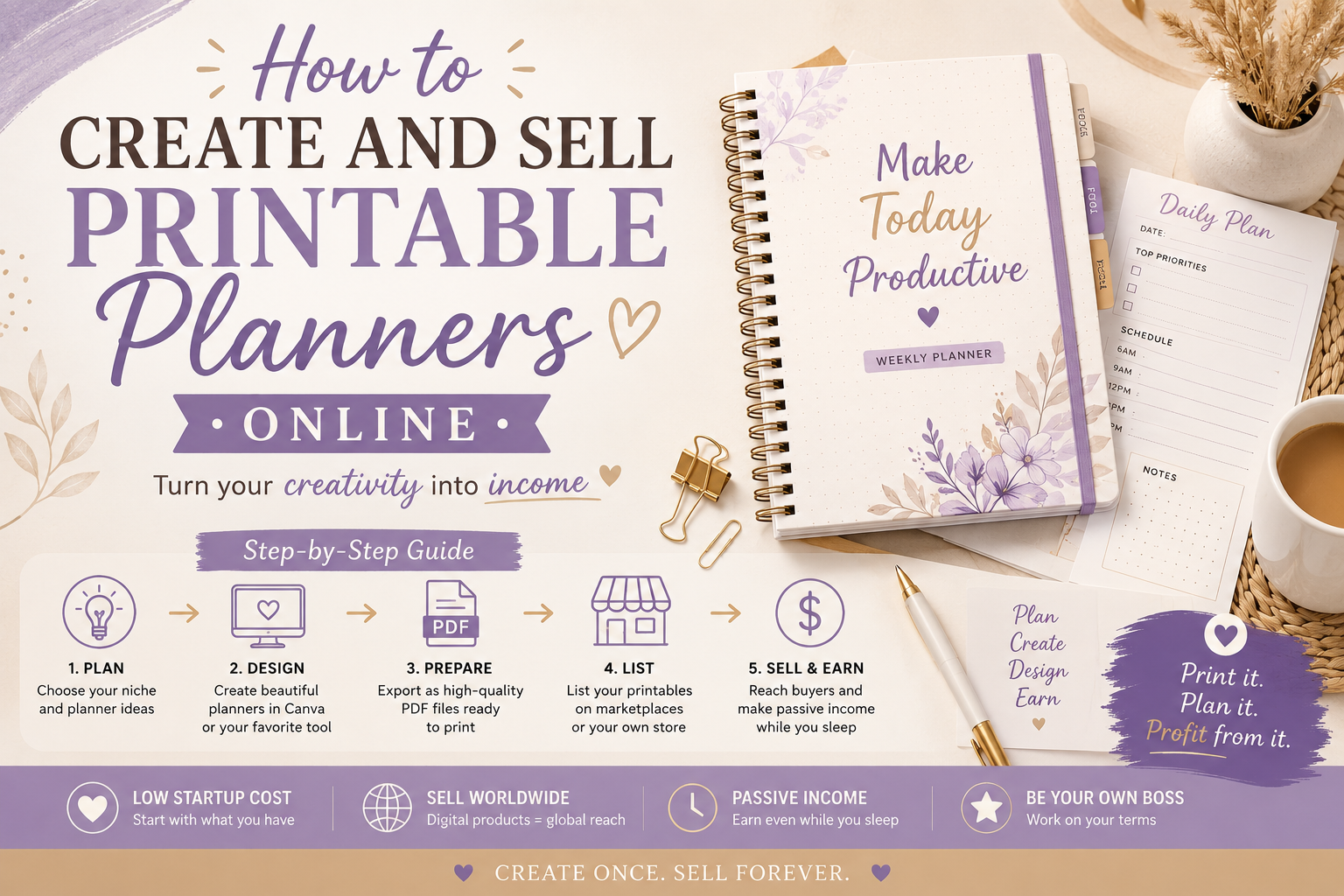
How to Create Printable Planners Online
Let’s walk through the process step by step. You do not need to be a designer or tech expert. You just need a clear idea, a simple tool, and a willingness to start.
1. Choose a Planner Niche
Start by deciding who your planner is for. A planner for busy moms looks different from one for students, small business owners, or people managing their finances. When you pick a specific audience, it becomes easier to create something useful.
Here are a few planner ideas:
- Meal planners
- Budget planners
- Fitness and habit trackers
- Prayer or faith planners
- Academic planners
- Business planners
- Wedding planners
- Content planners for creators
2. Use AI to Brainstorm Ideas
This is where AI can really help. If you ever get stuck on what to create, you can ask an AI tool to generate planner ideas, section layouts, or even content prompts. For example, you can ask AI to help you build a budget tracker, a 30-day habit challenge, or a weekly content calendar.
Tools like ChatGPT can help you brainstorm faster, while Canva can help you turn those ideas into a polished product.
3. Design the Planner
OTHER RELEVANT BLOG POST
Once you know what you want to make, open Canva or another design tool and start building. Keep the layout clean and easy to read. Buyers usually want something that looks good but is also practical.
Tips for a strong planner design:
- Use simple fonts that are easy to read.
- Leave enough white space so the page does not feel crowded.
- Use matching colors to make the planner look professional.
- Keep the format consistent across pages.
- Add helpful sections like notes, goals, to-do lists, and trackers.
4. Make It Printable
Your file should be easy for customers to print. A standard letter size is common, but many buyers also like A4 or half-size options. Save your planner as a PDF so it is simple to download and print.
If you want to offer more value, you can create a planner bundle with multiple pages. For example, a weekly planner bundle might include a daily planner, habit tracker, goals page, and notes page.
5. Test Your File
Before you sell it, print it yourself or open it on different devices to check for errors. Make sure the text is clear, the spacing looks right, and nothing gets cut off. This small step can save you from unhappy customers later.
Where to Sell Printable Planners
Once your planner is ready, you need a place to sell it. Many beginners start with Etsy because it already has traffic and people there are looking for digital downloads. You can also sell on your own site or on marketplaces like Gumroad and Payhip.
Here are some useful external resources:
- Etsy Seller Handbook for tips on selling online
- Payhip for selling digital files directly
- Gumroad for simple digital product sales
- Canva for creating planner layouts
If you already have a website, you can build your own store and keep more of your profit. That is a big win over time because you are not relying only on one marketplace.
How to Make Your Planners Sell Better
Creating a planner is only half the job. You also want people to notice it and buy it. Here are a few tips that can help:
- Use clear titles: Tell buyers exactly what the planner is for.
- Show mockups: Display your planner on a laptop, tablet, or printed page.
- Write benefit-focused descriptions: Explain how the planner helps the buyer.
- Offer multiple versions: For example, undated, dated, black-and-white, or colored.
- Use SEO keywords: Think about what people would search for, like “budget planner printable” or “weekly planner PDF.”
Good product photos and clear descriptions can make a huge difference. Buyers want to know what they are getting and how it will help them. Keep it simple and helpful.
How AI Can Help You Sell Faster
AI is not here to replace your creativity. It is here to support it. You can use AI to help with product ideas, planner page names, listing descriptions, social media captions, and even email marketing.
For example, AI can help you:
- Come up with new planner niches
- Write Etsy descriptions faster
- Generate blog post ideas for traffic
- Brainstorm bonus pages for your bundles
- Create content for Pinterest, Instagram, or email
That means you spend less time staring at a blank screen and more time building products that can actually earn money.
Simple Tools You Can Start With
You do not need a big budget to begin. In fact, many people start with free or low-cost tools.
- Canva: Great for designing planners and mockups
- ChatGPT: Helpful for brainstorming and content creation
- Google Docs or Google Sheets: Useful for planning content and tracking ideas
- PDF editor: Good for final file checks
- Mockup generator: Helps your product look professional
If you want to keep learning, focus on using one tool at a time until you feel comfortable. Progress is better than perfection.
Common Mistakes to Avoid
When you are just starting, it is easy to overthink things. Try not to fall into these traps:
- Making the design too busy
- Creating a planner with no clear audience
- Forgetting to test the PDF before uploading
- Writing vague product descriptions
- Waiting too long to launch because it is not “perfect” yet
Remember, your first planner does not have to be perfect. It just has to be helpful. You can improve as you go.
Final Thoughts: Start Small, Stay Consistent
Creating and selling printable planners online is one of those ideas that sounds simple because it is simple. That does not mean it is easy-money overnight, but it is a real business opportunity if you stay consistent and keep learning.
Start with one planner. Make it useful. Use AI to speed up the process. Upload it. Promote it. Then make the next one a little better. Over time, those small steps can grow into something meaningful.
If you are ready to build a digital product business, this is your sign to start now. Don’t wait until you feel “fully ready.” Pick one planner idea today and begin.
Frequently Asked Questions
Can I make money selling printable planners online?
Yes, many people do. Printable planners are popular because they solve real problems and are easy for customers to download and use.
Do I need design experience to create planners?
No. Tools like Canva make it beginner-friendly. You can start with simple layouts and improve as you learn.
Is AI useful for creating printable planners?
Absolutely. AI can help you brainstorm ideas, write product descriptions, and even plan page layouts faster.
Where should I sell my printable planners?
You can sell on Etsy, Gumroad, Payhip, or your own website. The best option depends on your goals and how much control you want over your store.
What type of planners sell best?
Planners that solve a clear problem usually do well, such as budget planners, meal planners, habit trackers, and business planners.
SUBSCRIBE TO MY YOUTUBE CHANNEL TO LEARN HOW TO CREATE DIGITAL PRODUCTS.