I still remember the first time I opened Canva and thought, “Wait… I can actually make something beautiful from scratch?” I was just trying to create a simple graphic, but that moment opened the door to digital products, online sales, and a whole new way to earn from my creativity. If you’ve been curious about how to create and sell Canva templates online, you’re in the right place—and I’m also sharing a free resource that can help you grow in the AI era.
Canva templates are one of the easiest digital products to make, especially if you like organizing ideas, making things look clean, or helping people save time. The best part? You do not need to be a professional designer to start. You just need a simple plan, a little consistency, and a willingness to learn.
What Are Canva Templates?
Canva templates are ready-to-edit designs that other people can customize for their own use. Think social media posts, planners, lead magnets, worksheets, ebook covers, business cards, media kits, and Pinterest pins. You create the design once, then sell it many times.
That’s why so many people love this model: it can turn your skills into a product that works even when you are not online.
Why Canva Templates Are a Great Digital Product
Let’s keep it simple. Canva templates work because people want speed and convenience. Small business owners, content creators, coaches, and busy moms often need polished designs but do not have time to make everything from scratch.
- Low startup cost: Canva has a free plan, and you can start small.
- Easy to create: Drag, drop, edit, done.
- High demand: People need templates for marketing and organization.
- Can be sold repeatedly: One product can create multiple sales.
- AI can help: Tools like ChatGPT can help with ideas, product descriptions, and content planning.
If you want more ideas for online income, you may also like this post on the best digital products to sell and this one on how to start an online digital business
OTHER RELEVANT BLOG POST TO CHECK OUT
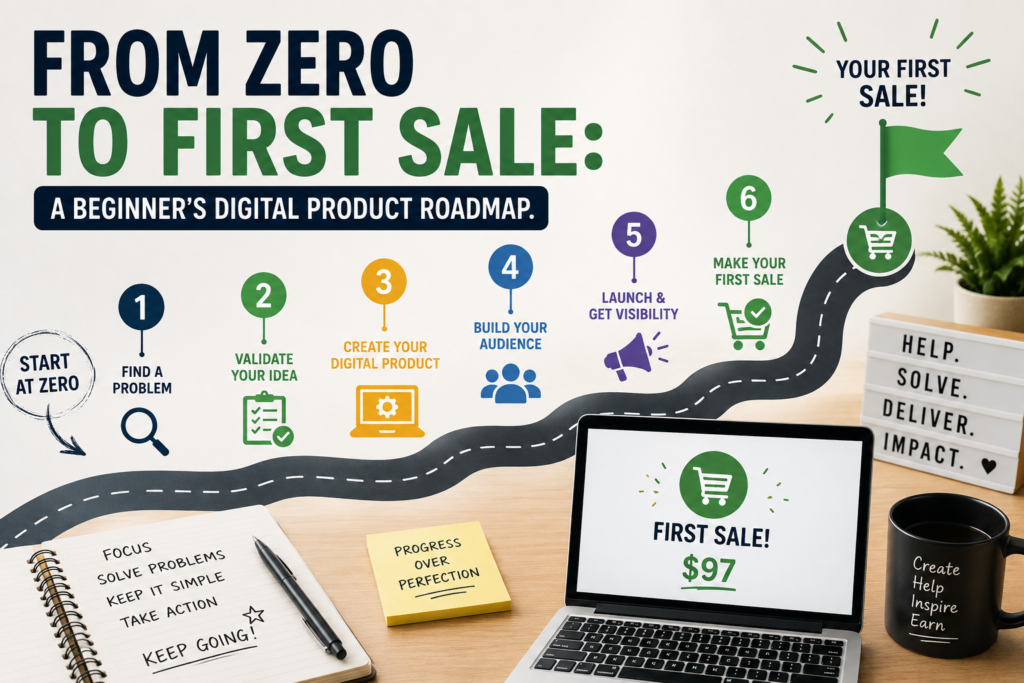
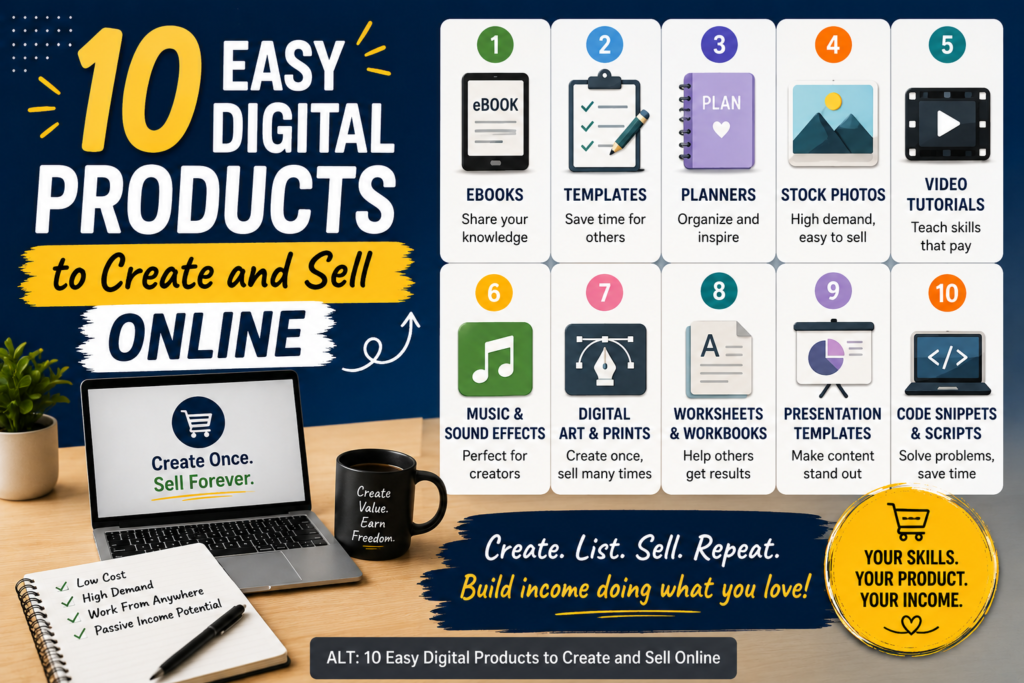
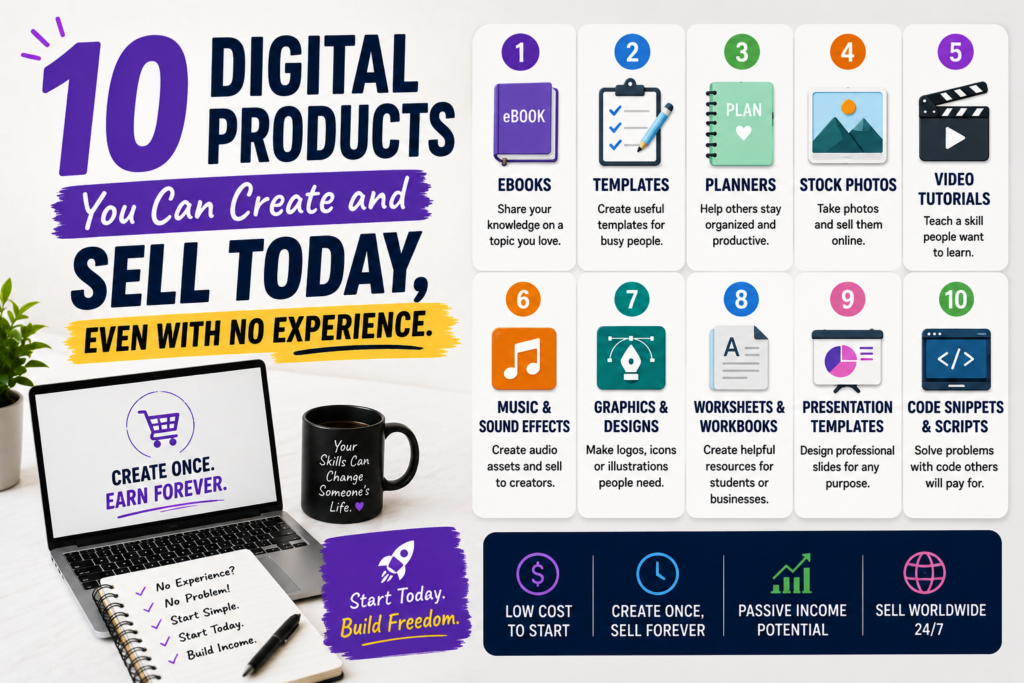
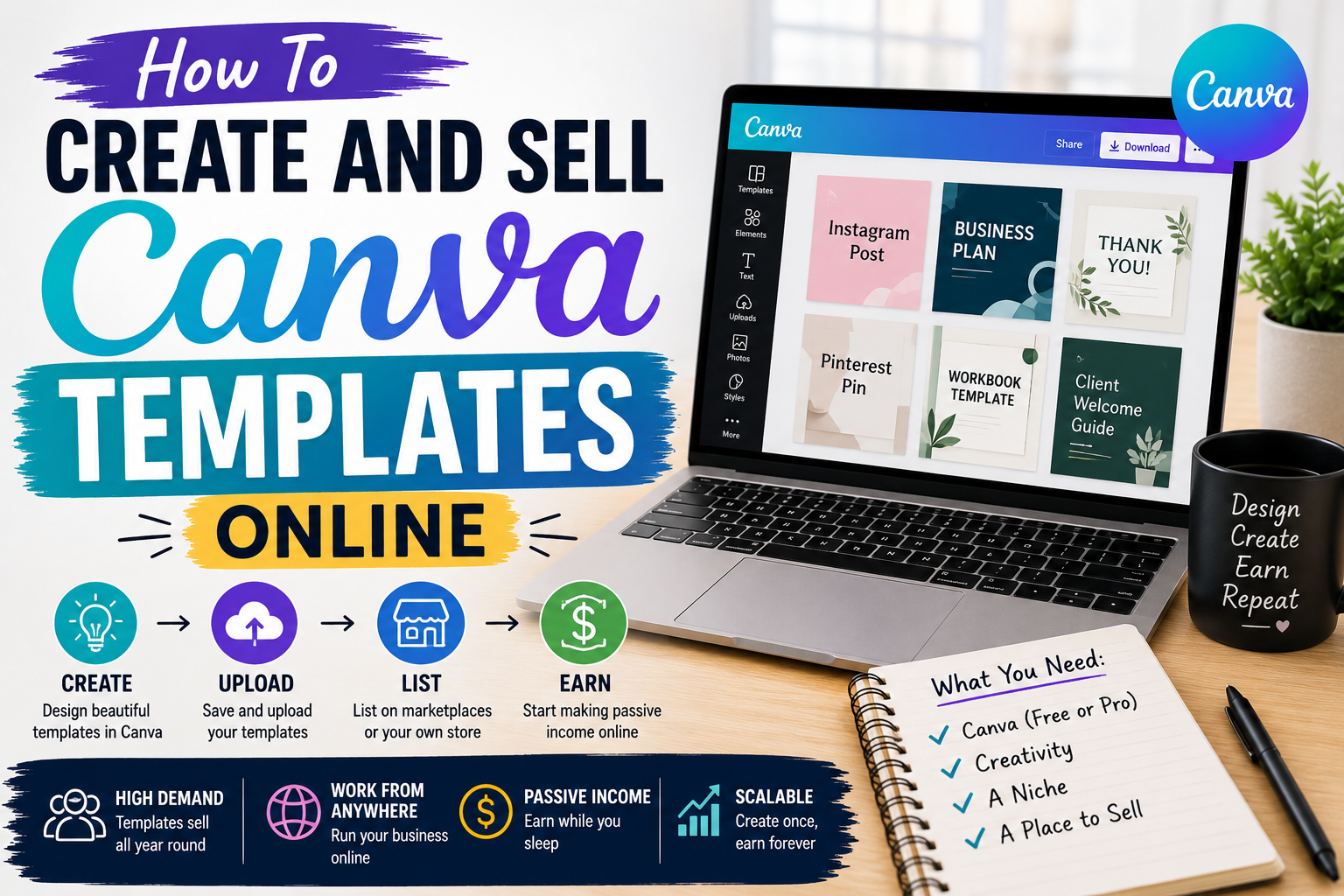
How to Create and Sell Canva Templates Online
Pick a niche.
Choose a group of people you want to help. For example: real estate agents, life coaches, teachers, content creators, job seekers, or small business owners.
Research what people need.
Search Etsy, Pinterest, and Google Trends to see what templates are popular. Look at what is already selling and think about how you can make yours more useful or easier to use.
Plan your template.
Decide what problem your template solves. Is it helping someone save time? Look professional? Stay organized? The clearer the purpose, the better.
Create in Canva.
Use simple fonts, clean spacing, and colors that match your niche. You can use elements from Canva’s library or upload your own brand assets. If you need help, Canva’s own help center is a good place to learn more: Canva Help Center.
Make it easy to edit.
Use grouped pages, clear labels, and instructions. People should open the template and immediately understand what to do.
Test your template.
Duplicate it and try editing it like a customer would. If anything feels confusing, fix it before you sell.
Create your listing.
Write a clear product title, short description, benefits, file details, and instructions. Use keywords people would actually search for.
Upload to your selling platform.
Many sellers start with Etsy, Gumroad, Payhip, or their own website. Etsy has a helpful resource too: Etsy Seller Handbook.
Promote your product.
Share your templates on Pinterest, Instagram, email, and blog posts. The more people see your work, the more chances you have to sell.
How AI Can Help You Create and sell canva templates online fast
AI is not here to replace your creativity. It is here to save you time. You can use AI to brainstorm template ideas, write product descriptions, generate title ideas, outline bonus content, or create social media captions for your launch.
For example, you can ask AI for:
- 30 template ideas for a specific niche
- SEO-friendly product titles
- Simple listing descriptions
- FAQ questions for your sales page
- Pin and post captions for promotion
If you want to experiment with AI tools, you can also explore ChatGPT and compare ideas with what you see in your market.
Tips to Make Your Canva Templates Sell Better
- Focus on one niche first. It is easier to sell to one type of buyer than to everyone.
- Solve a real problem. People buy convenience, clarity, and results.
- Keep the design clean. Simple often sells better than crowded.
- Offer value. Add instructions, bonus pages, or easy-to-follow examples.
- Use strong keywords. Think like a customer when naming your product.
- Create bundles. Bundles usually increase your average order value.
- Keep improving. Watch which products get clicks and sales, then make more like those.
Where to Sell Your Canva Templates
You can sell your templates in a few different places. Here are some of the most common options:
- Etsy: Great for reaching shoppers already looking for digital products.
- Gumroad: Simple and beginner-friendly.
- Payhip: Good for digital downloads and low setup stress.
- Your own website: Best if you want to build a long-term brand.
A Simple Example You Can Start With Today
Let’s say you make a “Social Media Template Pack for Coaches.” You could create 30 Instagram post templates, 10 story templates, and 5 quote graphics. Then you package them nicely, write clear instructions, and upload the file to your store.
That one product could help a coach save hours every week. And when people love it, you can create more packs for other niches like teachers, realtors, beauty businesses, or online sellers.
Common Mistakes to Avoid
- Making templates too complicated
- Choosing a niche without checking demand
- Using unclear product images
- Writing vague descriptions
- Ignoring customer instructions
- Trying to sell to everyone instead of one group first
FAQ
Do I need design experience to sell Canva templates?
No. You do not need to be a professional designer. If you can keep things neat, simple, and useful, you can create templates people want.
Can I use AI to help me make Canva templates?
Yes. AI can help you brainstorm ideas, write descriptions, create product titles, and plan your content. It can make the process faster and easier.
What types of Canva templates sell best?
Popular options include social media templates, planners, workbooks, ebooks, lead magnets, pitch decks, and business branding kits.
Where should I start selling?
If you are new, Etsy is a common first choice because it already has buyers searching for digital products. You can also use Gumroad, Payhip, or your own website.
Final Thoughts
If you’ve been waiting for a sign to start, this is it. Learning how to create and sell Canva templates online can open the door to a real digital product business, especially when you use simple tools, smart planning, and a little help from AI. Start with one template, keep it clean, solve one clear problem, and improve as you go.
You do not need to do everything at once. You just need to begin.
If this post helped you, take the next step today: create your first template, list it, and share it with the world.