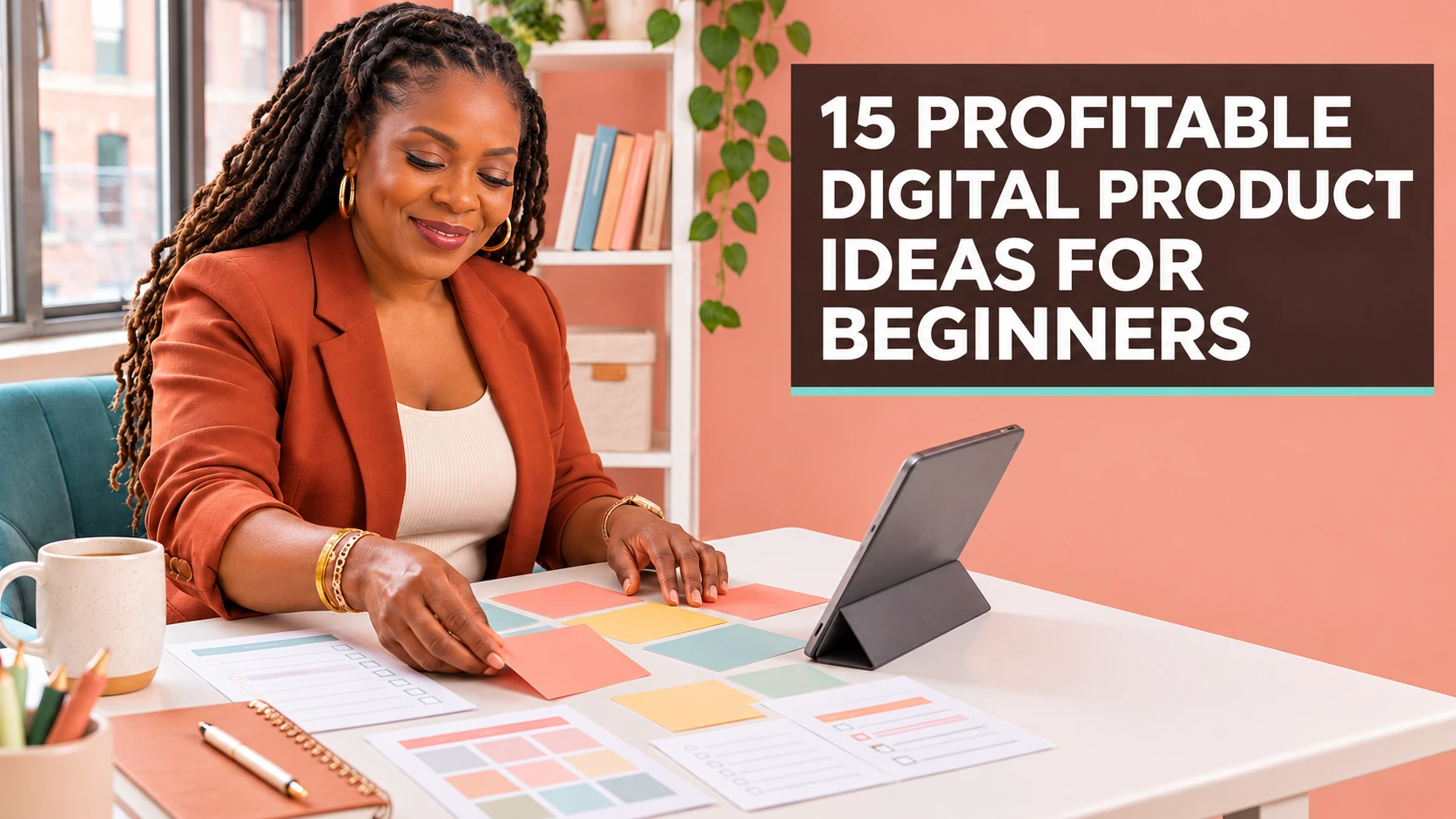
A while back, a woman told me she had spent weeks looking at other people’s digital products and felt more confused every day. She liked planners, templates, journals, and guides—but she kept asking, “Which idea is good enough?” If you are in that place, take a breath. You do not need the most original idea on the internet. You need a helpful idea that fits a real person and is simple enough for you to finish.
These digital product ideas for beginners are not shortcuts to guaranteed income. They are starting points. The best one is the idea you can shape with care, test with people, and make genuinely useful. Let’s look at 15 options and a simple way to choose the one that makes sense for you.
What makes a digital product worth creating?
A useful digital product saves time, reduces uncertainty, teaches a small skill, or helps someone stay organized. Notice that none of those require you to create something huge. A beginner-friendly product can be a well-designed one-page worksheet if it removes a frustrating step for the buyer.
Before choosing an idea, ask three questions: Who needs this? What would it help them do? Could I explain the benefit in one sentence? If the answer is yes, you have a starting point.
Digital Product Ideas for Beginners: 15 Profitable Options
1. Weekly planning printable
Create a simple weekly layout for people who want to see appointments, priorities, meals, or tasks in one place. Choose one audience, such as busy parents, students, or side-hustlers, so the page feels made for someone.
2. Budget tracker for beginners
A beginner budget tracker can include income, bills, savings, and a short explanation of how to use it. Keep the language friendly; many people avoid money tools because they fear they will be complicated.
3. Meal-planning template
A weekly meal plan and grocery list can solve a very ordinary problem: “What are we eating this week?” Add spaces for leftovers, dietary preferences, or freezer items instead of trying to build an entire recipe book.
4. Social-media caption prompts
Creators and small businesses often need a nudge, not a thousand ideas. A focused set of prompts for a specific niche—such as coaches, boutiques, or faith-based creators—can help them post with more confidence.
5. Resume or cover-letter template
Make a clean editable template for a job seeker with helpful hints about what belongs in each section. Be clear that it is a tool to personalize, not a promise that someone will get hired.
6. Prayer journal or scripture-study pages
Faith-centered printable pages can help someone reflect, pray, and keep notes. Consider a simple theme, such as gratitude, a 30-day study routine, or prayer requests and answers.
7. Event-planning checklist
People planning a birthday, baby shower, wedding, or community event need a place to hold details. A timeline, guest list, budget page, and supply checklist can be more valuable than a decorative file with no structure.
8. Content calendar template
A simple monthly content calendar helps a creator move from “I should post” to a workable plan. Include prompt categories, space for a call to action, and a short reminder to review what connected with their audience.
9. Client onboarding checklist
Freelancers can use an onboarding checklist to organize what happens after a client says yes. It might include contract, welcome email, project questions, payment, and the first milestone.
10. Chore chart for families
Parents want routines that are clear without becoming another stressful project. Offer a chart that can be customized by age, day, or room, plus a short note about starting with a few realistic tasks.
11. Digital declutter checklist
Help people sort photos, files, subscriptions, inboxes, and passwords in manageable steps. This works especially well when you turn a big task into a calm, one-hour-at-a-time plan.
12. Beginner workout or habit tracker
A gentle habit tracker can support consistency without making medical promises. Focus on prompts, rest days, water, movement, or personal goals, and encourage users to adjust it to their needs.
13. Reading log or book-club guide
Readers enjoy a place to record favorite lines, reflections, and future titles. A book-club version can add discussion questions and a simple meeting plan.
14. Mini guide for a skill you know
Turn one process you understand into a short guide. It could be a beginner guide to organizing a closet, preparing for a vendor event, using a phone camera, or writing a simple service description. Teach only what you can explain accurately.
15. Canva template bundle for a defined purpose
A small set of editable templates can be useful when it has one job: thank-you cards, service menus, social posts, or event invitations. Our guide on how to create and sell Canva templates online can help you think through that format. Review Canva’s licensing guidance before using design elements in products for sale.
OTHER RELEVANT BLOG POST TO CHECK OUT


How to choose the best idea for you
When comparing digital product ideas for beginners, do not pick an idea just because it appears popular. Start with an idea that has a connection to your own knowledge, your audience, or a problem you have personally faced. Then compare your top three ideas using this quick scorecard:
- Usefulness: Would this solve a clear problem?
- Finishability: Can I make a good first version this week?
- Clarity: Can I explain who it is for in one sentence?
- Interest: Would I enjoy improving this after I launch it?
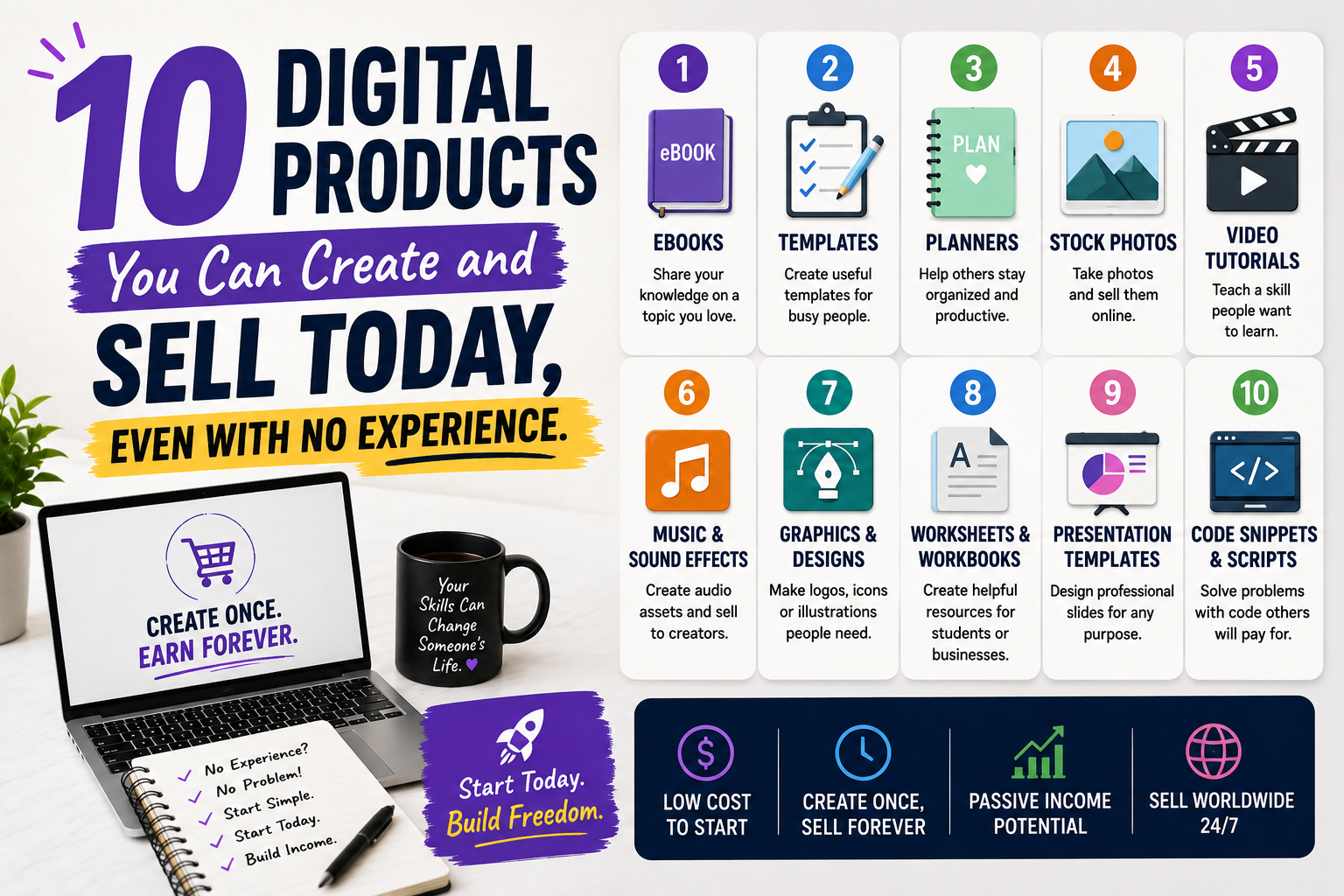
The winner is usually the idea with the clearest customer and the smallest useful first version. If you want more beginner inspiration, explore 10 digital products you can create and sell today.
Validate your idea before you overbuild it
Validating digital product ideas for beginners does not need to be fancy. Tell a few people who match your audience what you are creating. Share a sample page. Ask what part would help them most. Search the questions people ask in online communities, comments, or conversations. You are listening for the exact language people use when they describe the problem.
Then make a focused first version. Keep your description accurate and your claims honest. The FTC’s small-business advertising guidance is a useful reference for writing truthful marketing. A practical product and a clear description build more trust than big promises.
Frequently asked questions
Which digital product is best for a complete beginner?
A checklist, tracker, simple printable, or short guide is often a good first choice because you can create, test, and improve it without a huge project.
Do I need an audience before I create a product?
No. A small audience or even a few thoughtful conversations can help you learn what people need. Build relationships while you build the product.
Can I use AI to help create digital products?
Yes, AI can help brainstorm, outline, or edit. You should still review every part, add your own judgment, and make sure the final resource is accurate and original in its organization.
How many pages should my first product have?
There is no magic number. Include enough pages to deliver the promise. A strong one-page tool is better than a long file full of filler.
How do I make my product stand out?
Make it specific. Choose a clear audience, use friendly instructions, and include examples that help buyers take action quickly.
Your first idea does not have to be your last
Your first product is a learning tool for you too. It teaches you what buyers ask, what you enjoy creating, and what related resource could help next. Choose one of these digital product ideas for beginners, make a small helpful version, and let real feedback guide the next step. Progress grows when you stop waiting for the perfect idea and give a good idea room to become real.
A simple way to make your choice this week
To choose among digital product ideas for beginners, give yourself a short decision deadline. Choose three ideas from the list, then spend fifteen minutes on each one. Write the customer, the problem, the outcome, and the simplest format. You will usually notice that one idea becomes easier to explain than the others. That is a useful sign.
For example, “a self-care guide” may feel broad, but “a seven-day evening reset worksheet for overwhelmed working women” immediately suggests what pages to include and who to speak to. You can always create a bigger collection later. Right now, choose the product that lets you help one person clearly.
Your first offer does not have to carry your whole business. It only needs to be useful enough for someone to say, “This made my next step easier.”