I remember the feeling of staring at a blank screen with a good idea in my head and no clue how to turn it into something people could actually use. I thought I needed expensive software, design skills, and a full day with no interruptions. The truth is much kinder: you can create a helpful first resource with the tools you already have and a little structure. Learning how to create digital products with free AI tools is not about letting a robot do everything; it is about using support wisely so you can focus on the people you want to help.
In this beginner-friendly guide, I will show you a simple way to go from a useful idea to a first digital product. You do not need to become an AI expert. You need one clear problem, a thoughtful process, and the willingness to review your work before sharing it.
What AI can—and cannot—do for your first product
Learning to create digital products with free AI tools is useful when you feel stuck, because AI can support your process without replacing your judgment. It can help you brainstorm product ideas, outline a guide, suggest a checklist, reword a confusing sentence, or create a first draft of a product description. That can save time, especially when you are learning.
But AI does not know your customer the way you can learn to know them. It can make mistakes, give generic advice, or use a tone that does not sound like you. Treat it like a helpful assistant, not the final decision-maker. You are responsible for checking facts, adding examples, and making sure the final resource is safe, useful, and true to your voice.
If you are using AI in your creative work, the U.S. Copyright Office’s AI resources offer useful background on this changing area. The simple habit to keep is this: bring your own judgment to every product you sell.
How to Create Digital Products With Free AI Tools: A Starter Stack
You can start without purchasing a long list of subscriptions. Pick tools based on the one job you need them to do:
- For ideas and outlines: a free AI chat tool or your own notes app.
- For writing: a document editor where you can review, revise, and export your work.
- For design: a free Canva account or another simple design workspace.
- For organization: a spreadsheet or checklist to track pages, links, and revisions.
Before selling a design that uses Canva elements, review Canva’s licensing information. If you are considering an AI chat tool, check its current free-plan details directly; for example, OpenAI explains available access and limits in its ChatGPT Free Tier FAQ. Free tools can be a wonderful starting point, but their features can change, so keep your process flexible.
OTHER RELEVANT BLOG POST TO CHECK OUT

Step 1: Pick one small customer problem
The fastest way to make a product feel useful is to begin with a specific problem. Instead of saying, “I want to make a self-care product,” try, “I want to help busy women plan ten minutes of calm at the start of their day.” That second sentence gives you direction.
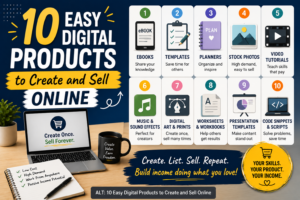
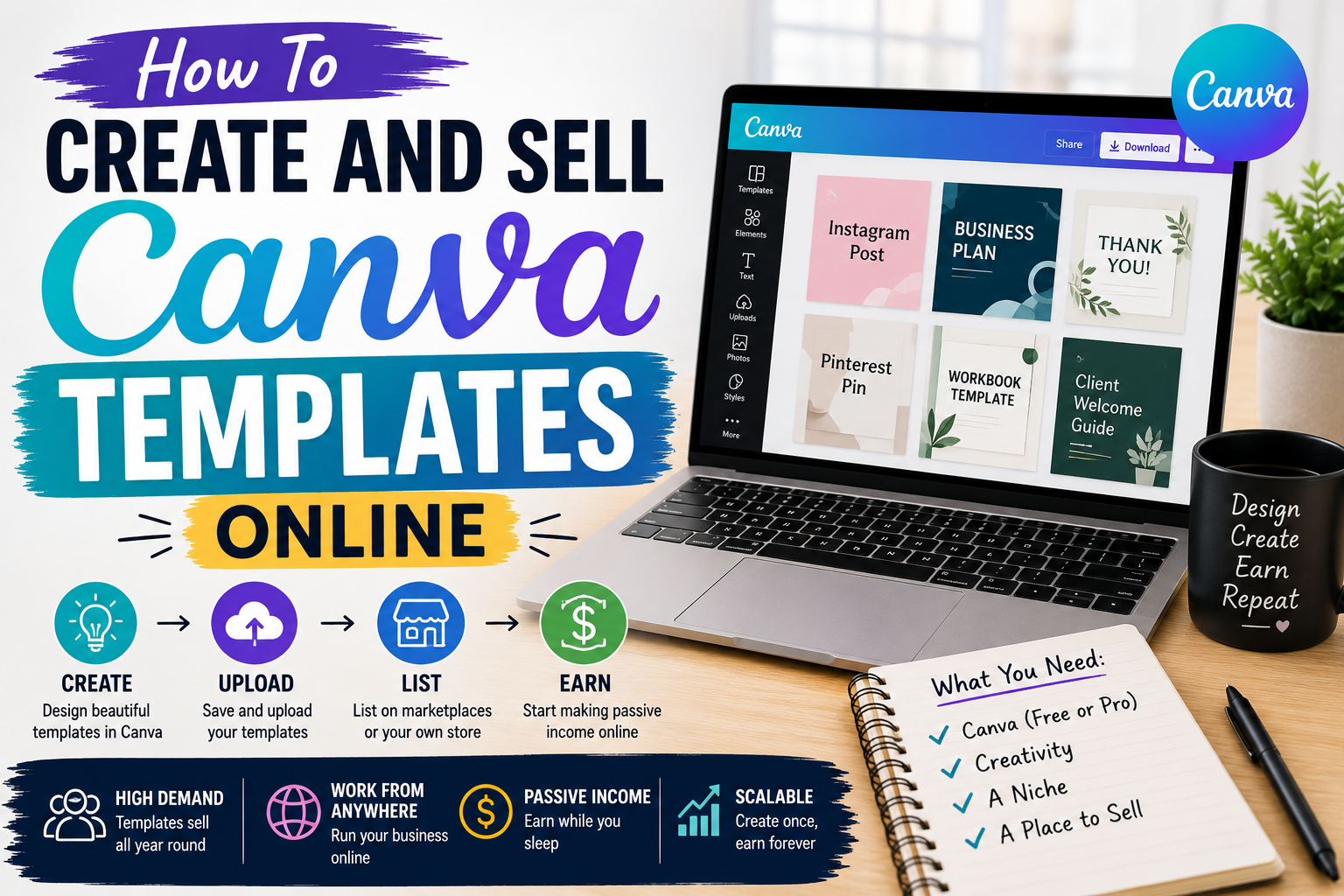
Look for problems people describe in their own words. It may be a repeated question from a friend, a frustration in comments, or something you personally learned to solve. For more ideas, explore these digital products you can create and sell today.
Step 2: Ask AI for an outline, not a finished product
A good prompt gives AI context. Tell it who the resource is for, the problem it solves, the format you want, and the tone you want. Then review the outline before it creates more content.
A prompt you can adapt
Help me outline a simple [checklist/planner/guide] for [specific person] who wants to [specific result]. Use a warm, clear beginner-friendly tone. Include only practical steps. Do not invent facts or make promises. Leave room for my own examples and advice.
That last sentence matters. Your own examples are what make the product personal. Replace vague lines with details you know are useful. If the AI suggests something you cannot verify or would not say to a customer, remove it.
Step 3: Create a simple first version
For a first digital product, choose a format you can finish in a few focused sessions. A three-page guide, five-page tracker, or editable template is enough. You are building a useful starting point, not proving that you can make the largest file on the internet.
Here is one example. If your audience is new creators, you could make a “First Product Idea Worksheet.” Page one helps them name their customer’s problem. Page two helps them plan the result. Page three is a small launch checklist. AI can help you draft the questions, but you decide which questions deserve a place.
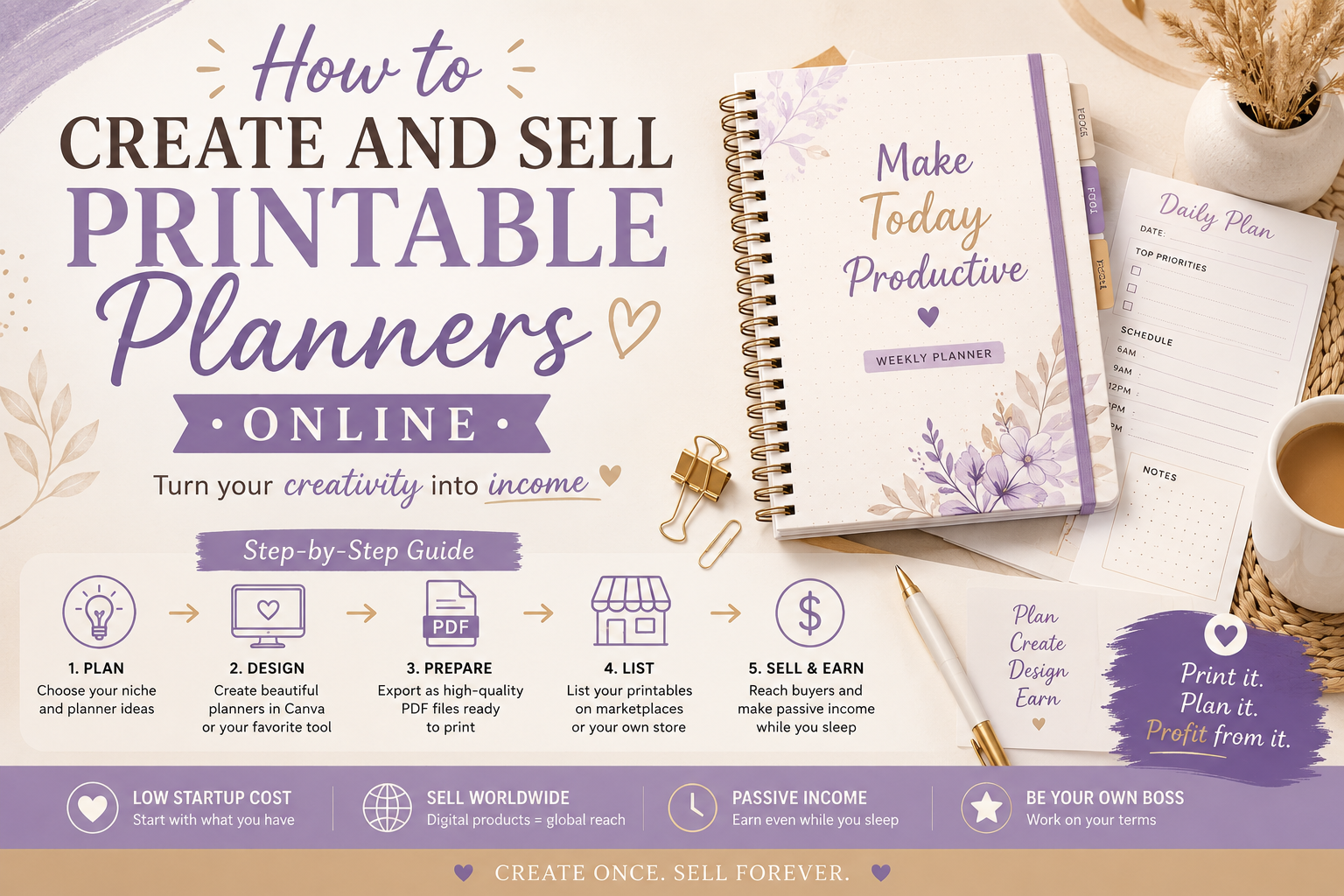
If you want to create a printable product, this walkthrough on creating and selling a printable planner can give you a practical example of the process.
Step 4: Design for clarity, not decoration
Keep the layout easy to read. Use a limited color palette, enough white space, and fonts that work on a phone as well as a laptop. Each page should have one clear job. A customer should not need instructions to understand where to begin.
- Use short headings that tell the reader what to do.
- Leave space for writing when making worksheets or planners.
- Use consistent colors and type sizes.
- Export a test copy and look at it at 100% zoom.
- Make sure links work before you upload anything.
Step 5: Review every word before you sell
This is the step that turns an AI-assisted draft into a product you can stand behind. Read it slowly. Check spelling, links, page numbers, and instructions. Ask: Would a beginner understand this? Is every claim honest? Did I accidentally include placeholder language or an instruction that does not apply?
When you market it, focus on the problem the product helps with rather than making exaggerated promises. The FTC’s advertising guidance for small businesses is a useful reminder to keep promotional claims truthful and supportable.
Step 6: Share, listen, and improve
Once the first version is ready, publish it with a clear description. Explain who it is for, what is included, and what it helps the buyer do. Share a useful tip from the product on social media or in a video, then invite people to see the full resource.
Your first version is allowed to grow. Questions from buyers may show you that an extra example, a mobile-friendly version, or a follow-up product would help. That is how a small product line begins: one useful answer leads naturally to the next.
Frequently asked questions
Can I create a digital product with free AI tools?
Yes. Free tools can help you brainstorm, outline, write, and design a small first resource. Always review the tool’s current limits and make the final product your own through careful editing and judgment.
What is the easiest AI-assisted product to make first?
A checklist, worksheet, tracker, short guide, or template is usually easier to complete and test than a large course or membership.
Can I copy AI text directly into my product?
It is better to treat AI text as a draft. Rewrite it in your voice, verify anything factual, add original examples, and remove generic or inaccurate material.
Do I need design experience?
No. Start with a clean, simple layout. Clear instructions and helpful structure matter more than fancy effects.
How do I make sure my product is helpful?
Let a person in your target audience look at a sample. Ask where they felt confused and whether the product helped them take the next step.
Your best first product is one you finish
You do not need to master every AI tool before you begin. Choose one real problem, make a simple resource, add your personal care and experience, and review it with honesty. That is how you create digital products with free AI tools in a way that feels useful, responsible, and sustainable. Start small today, and let the next version teach you what to make tomorrow.
Try a focused 45-minute creation session
If you want to create digital products with free AI tools but starting feels hard, set a timer instead of waiting for a perfect day. Spend ten minutes naming the customer problem, ten minutes asking AI for a basic outline, fifteen minutes writing or designing one useful page, and ten minutes reviewing it in your own voice. Stop there if that is all you have time for.
That small session gives you something real to improve. The next day, you can add a page, simplify an instruction, or ask a potential customer which part they would use first. Consistent small progress is more valuable than an unfinished plan filled with complicated tools.
Keep a short note of your prompts, edits, and buyer questions. It will help you refine this product and make your next one faster without losing the human care that makes your work valuable.