I remember watching a friend open a blank document one Sunday afternoon and say, “I want to sell something online, but I do not even know where to start.” Maybe that sounds familiar. You have skills, ideas, or life experience, but the words digital products can make the whole thing feel bigger than it really is. The good news is that learning how to start selling digital products online does not require a huge following, expensive software, or a perfect business plan. It starts with one useful solution for one real person.
I am going to walk you through a simple, practical path. Think of it as the same advice I would give you over coffee: start small, make it useful, and learn by serving real people instead of waiting for everything to look perfect.
How to Start Selling Digital Products Online Without a Big Audience
Many beginners believe they need thousands of followers before they can sell a digital product. That is not the first goal. Your first goal is clarity: who do you want to help, and what task can you make easier for them? A useful checklist, template, planner, guide, tracker, or mini resource can be valuable because it saves someone time, stress, or confusion.
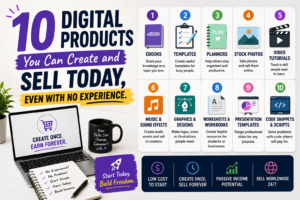
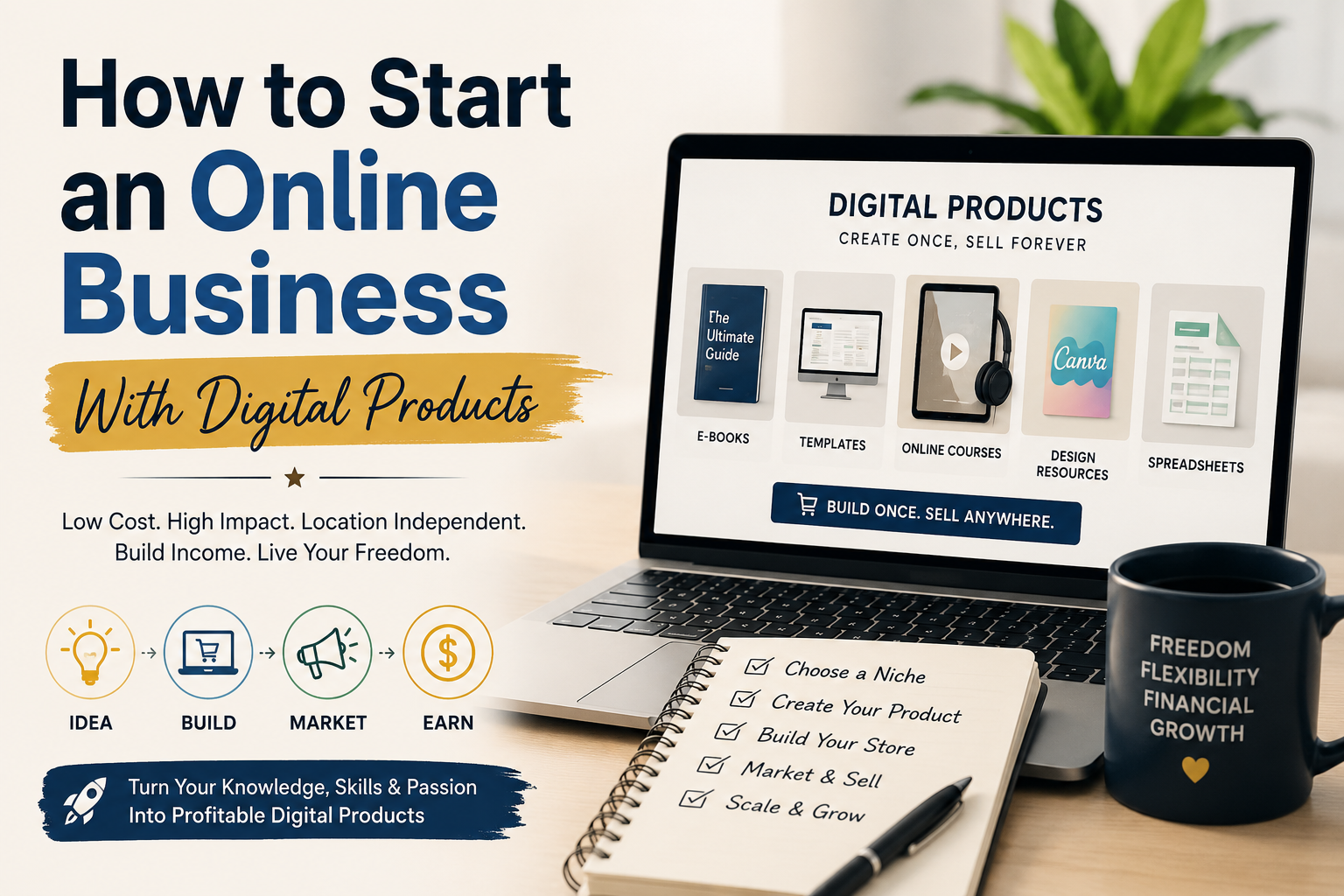
For example, a busy parent may want a meal-planning printable. A new freelancer may need an invoice template. A faith-centered customer may appreciate a prayer journal or scripture study guide. Those are not “small” ideas when they solve a daily problem. If you need inspiration, see these digital products you can create and sell with no experience.
OTHER RELEVANT BLOG POST TO CHECK OUT
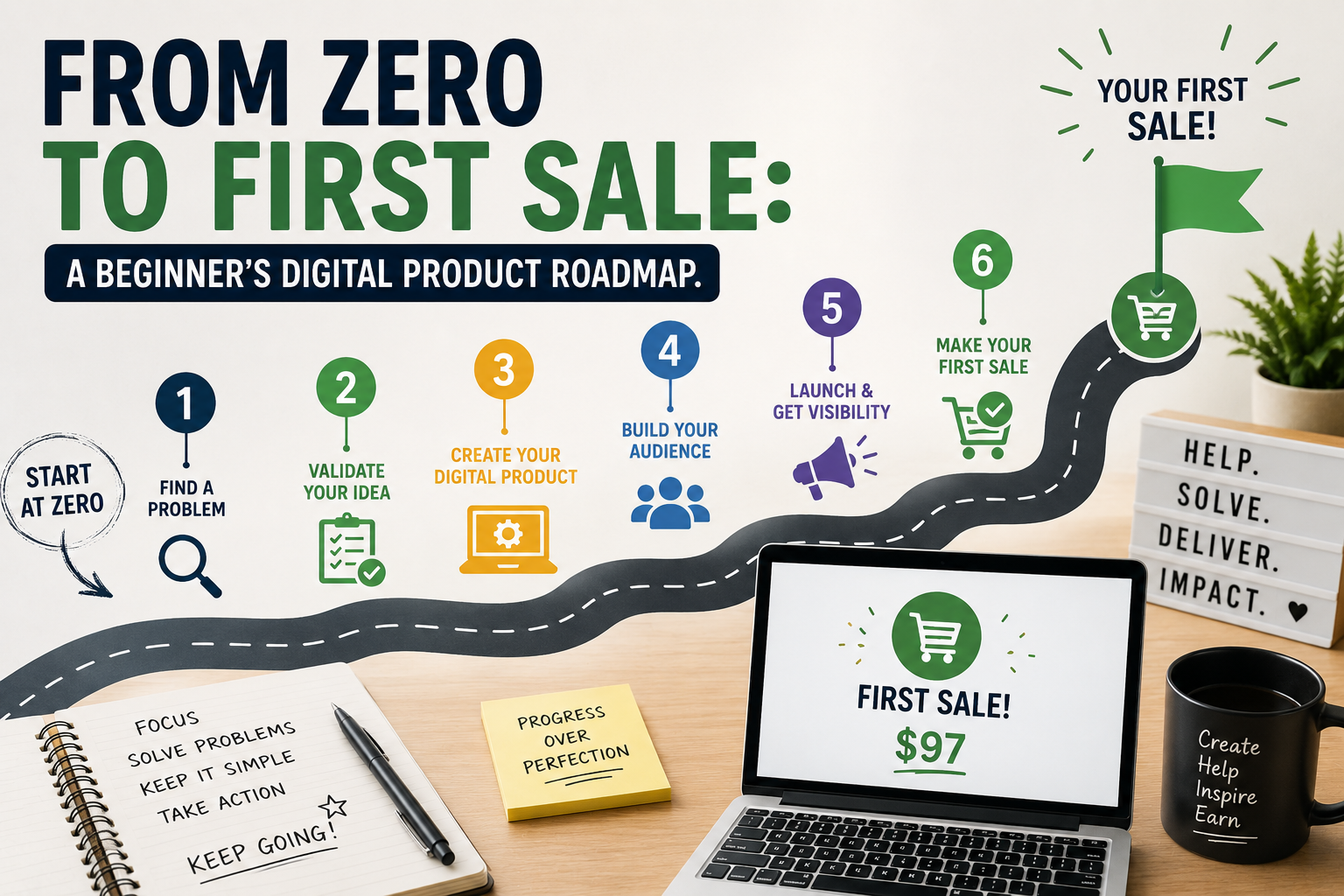
Step 1: Choose one problem you understand
Start with a problem that is close enough for you to describe in plain language. You do not have to be the world’s top expert. You simply need to organize something you have learned, used, or helped someone else with.
Use this simple idea filter
- What question do people often ask you?
- What task do you repeat every week or month?
- What did you wish existed when you were starting out?
- What result could someone get faster with a simple resource?
Write down five answers. Circle the one that feels easiest to explain and most helpful to a specific person. “A planner for overwhelmed college students” is clearer than “a planner for everyone.” Specificity helps your buyer recognize themselves.
Step 2: Turn the problem into a clear outcome
People do not buy a PDF just because it is a PDF. They buy the outcome it supports. Your title, description, and product pages should make that outcome clear. Instead of “Budget Spreadsheet,” try “Weekly Budget Spreadsheet for Beginners Who Want to Stop Guessing Where Their Money Goes.”
A strong beginner product usually does one of three things: it helps people organize, learn, or decide. A meal planner organizes. A beginner guide teaches. A comparison worksheet helps someone decide. Keep the promise modest and believable. You are not promising to fix someone’s entire life; you are helping with the next useful step.
Step 3: Make the first version useful, not complicated
Your first digital product can be simple. In fact, simple is a strength because it lets you finish, test, and improve faster. A one-page checklist can be more useful than a 60-page ebook if it gives a clear next action.
Try this starter structure:
- Name the problem.
- List the steps the customer should take.
- Add an example or blank template.
- Include a short “what to do next” section.
- Read it once as if you were the customer.
If your idea is a planner or template, our guide on how to create and sell a printable planner online will give you another practical example of turning a need into a product.
Step 4: Build with tools that fit your budget
You can begin with familiar tools. Use a document editor for a guide, a spreadsheet for a tracker, or a design tool for a printable. If you use Canva, take a moment to review Canva’s licensing information before you sell work that includes its assets. It is also wise to use your own words, examples, and original organization. The U.S. Copyright Office’s AI resources are useful background when you use AI in your creative process.
AI can help you brainstorm headings, make a checklist, or improve a rough draft. It should not replace your judgment. Read every line, check every instruction, and remove anything that does not sound like you or genuinely help your customer.
Step 5: Set a fair beginner price and publish
A first product does not need a complicated pricing formula. Consider the time it saves, the clarity it gives, and how complete it is. Start with a price that feels fair for a focused, useful solution. Then write a product description that answers: Who is this for? What problem does it help with? What is included? What will the buyer be able to do next?
Before you post, test the file on your phone and computer. Check spelling, links, page order, and download settings. Then tell people about the product more than once. A helpful post, a short video, an email, and a conversation can all point to the same offer without sounding pushy.
A simple seven-day launch plan
- Day 1: Choose one person and one problem.
- Day 2: Outline the product and its promised outcome.
- Day 3: Create the first useful version.
- Day 4: Edit, proofread, and test the file.
- Day 5: Write a clear title and product description.
- Day 6: Publish it and share one helpful tip connected to it.
- Day 7: Ask for feedback and note what you would improve.
This plan does not guarantee instant sales, and that is okay. It is a practical way to learn how to start selling digital products online by moving from thinking to finishing. Your first product teaches you more than months of waiting can teach you.
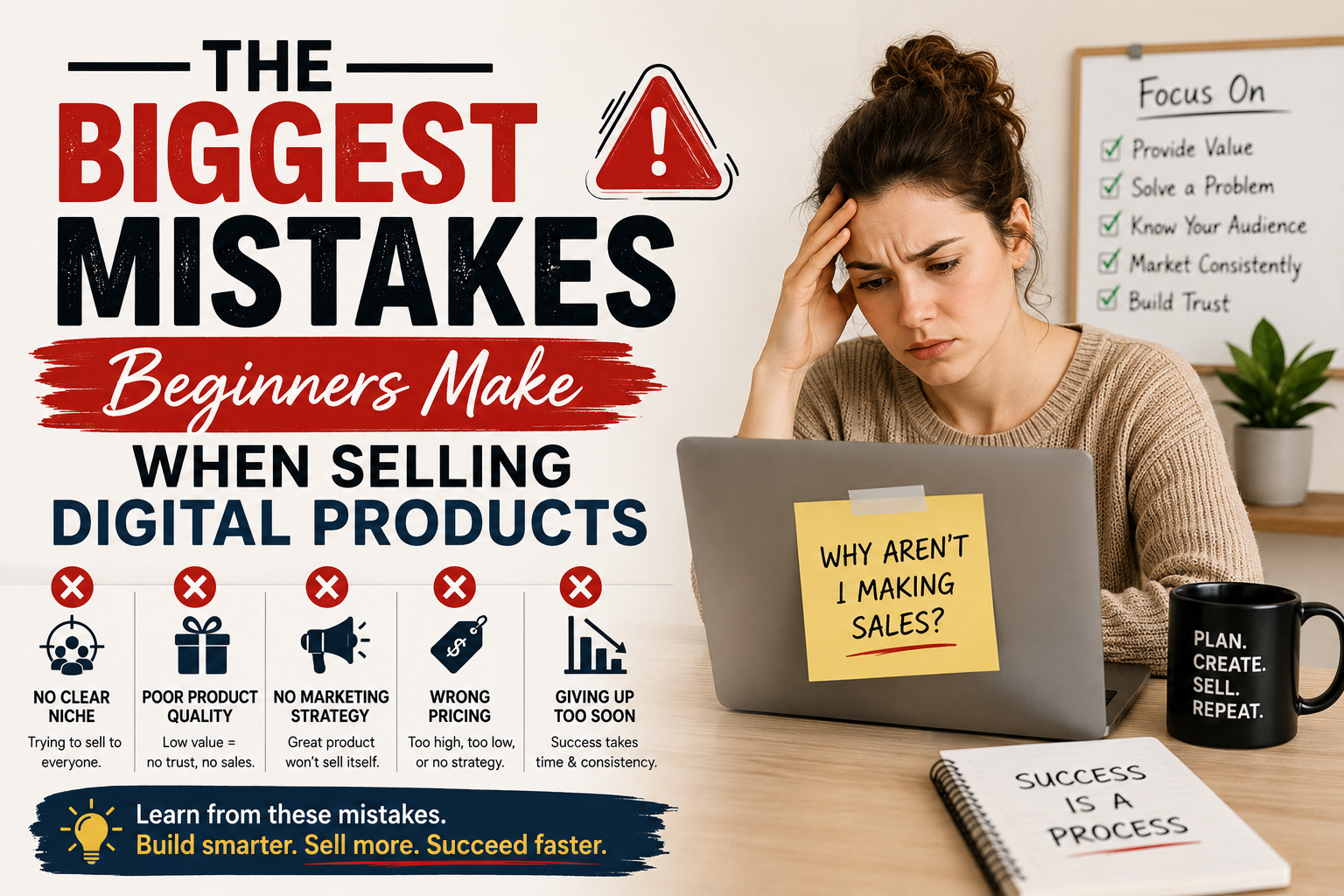
Three beginner mistakes to avoid
Trying to help everyone
A product becomes easier to explain when it has a clear person in mind. Narrow does not mean tiny; it means understandable.
Adding too much before anyone has used it
Start with the core solution. Feedback will show you whether people want extra pages, bonuses, or another format.
Making promises you cannot support
Be honest about what your product does. The FTC’s advertising guidance for small businesses is a helpful reminder to keep marketing claims truthful and supportable.
Frequently asked questions
Can I sell digital products with no experience?
Yes. Begin with a small resource based on a problem you understand, then improve it as you learn from real feedback.
What is the easiest digital product to start with?
A checklist, tracker, simple template, short guide, or printable is often easier to finish than a large course or membership.
Do I need to use AI?
No. AI is optional. It can help with ideas or first drafts, but your own experience and careful review are what make the final product useful.
How do I know if someone will buy my idea?
Look for repeated questions, read comments in your niche, and ask a few potential customers what they find difficult. Then create a small solution and listen.
What should I do after I make my first sale?
Thank the buyer, ask what was most helpful, and use that feedback to improve the product or create the next related resource.
Start before you feel fully ready
Learning how to start selling digital products online is less about finding a perfect idea and more about becoming someone who finishes helpful things. Pick one problem. Make one honest solution. Put it in front of people. Then keep learning. You do not need to do it all today—you just need to begin with a product that can make someone’s day a little easier.
Quick check before you launch
As you learn how to start selling digital products online, take ten calm minutes to see the product through your buyer’s eyes before you call it finished. Open it on your phone. Download it the way a customer would. Read the first page without relying on what you meant to say. Small checks like these protect your customer’s experience and help you feel more confident sharing your work.
- Does the title clearly say what the resource helps with?
- Can a first-time buyer understand the first instruction?
- Are the file, links, and pages working as expected?
- Does the product description match what the buyer will receive?
If one answer is no, that is not a failure. It is simply your next edit. A thoughtful first launch is built from these little moments of care.