I still remember the first time I looked at people selling digital products online and thought, “Wait… how are they doing that?” I was curious, a little overwhelmed, and convinced I needed design skills, tech skills, and a huge audience before I could even start. If you’ve ever felt that way, you’re not alone. The good news is that you can absolutely begin with simple ideas, a few helpful tools, and a willingness to learn. If you want a fast head start, grab 21 HIGH INCOME SKILLS TO LEARN IN THIS AI ERA and keep reading for beginner-friendly ideas you can actually use.
If you’ve been wondering how to make money with digital products without years of experience, this post is for you. We’re going to keep it simple, practical, and realistic. You do not need to be a tech wizard. You just need a helpful idea, a basic tool or two, and a little consistency.
What Are Digital Products?
Digital products are things you create once and sell over and over again online. They do not need shipping, storage, or packaging. That is one reason so many people love them. You can make them from home, on your schedule, and often with tools you already know how to use.
Examples include printables, templates, guides, e-books, planners, checklists, and AI prompt packs. If you want to sell smarter, not harder, digital products are a great place to start.
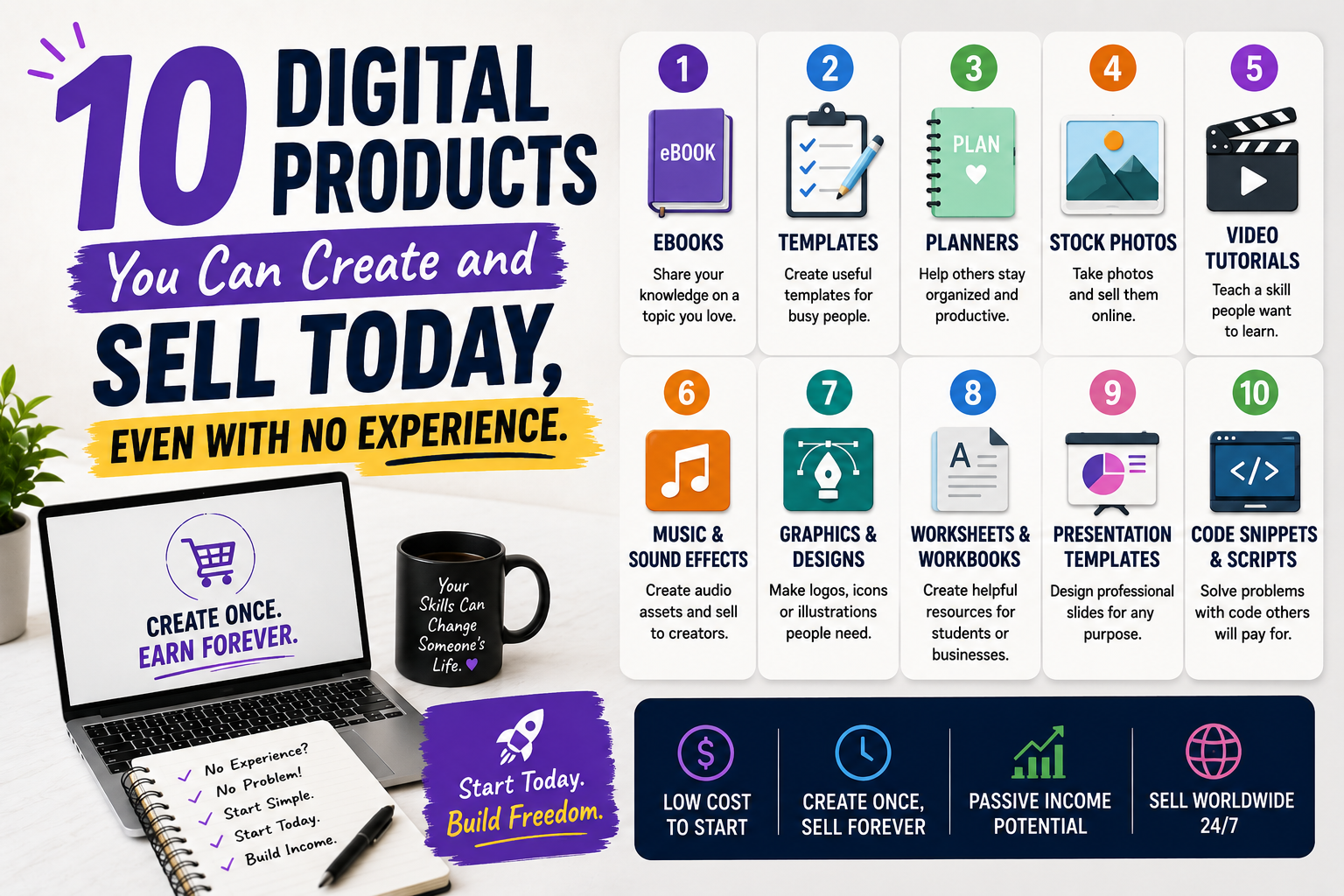
10 Digital Products You Can Create and Sell Even With No Experience
1. Printable Planners
Planners are one of the easiest products to start with. Think daily planners, weekly planners, meal planners, budget planners, or goal-setting sheets. You can create them in Canva using simple templates and clean fonts. People buy planners because they help make life feel easier and more organized.
2. Checklists and Simple Templates
Checklists save time, and people love saving time. You can make moving checklists, cleaning checklists, launch checklists, travel checklists, or business setup checklists. Templates work the same way. A fill-in-the-blank email template, content calendar, or client intake form can be very valuable.
3. Social Media Caption Packs
Many small business owners and creators struggle with what to post. That’s where caption packs come in. You can write captions for Instagram, Facebook, Pinterest, or LinkedIn. If writing feels hard, use ChatGPT to help brainstorm ideas, then edit them so they sound natural and helpful.
4. AI Prompt Packs
This is a smart one, especially if you want to lean into AI. Prompt packs are collections of prompts people can use with tools like ChatGPT. For example, you could create prompts for content creation, business ideas, journaling, job searching, or study help. These are beginner-friendly because you can start with your own needs and turn them into a product others can use too.
5. Short E-books or Mini Guides
CHECK OUT THESE RELEVANT BLOG POSTS.
You do not need to write a huge book to sell an e-book. A short guide that solves one problem can be enough. For example: “How to Start a Morning Routine,” “Beginner’s Guide to Meal Prep,” or “How to Use AI for Content Ideas.” Keep it clear, useful, and easy to follow.
6. Notion Templates
If you enjoy organization, Notion templates can be a great digital product. You can build simple dashboards for budgeting, goal tracking, habit tracking, content planning, or business management. Notion is flexible, and many people love ready-made systems they can duplicate instantly.
7. Budget Trackers and Finance Sheets
Money tools sell because people are always looking for help with budgeting. You can create spreadsheets for monthly budgets, debt payoff plans, savings challenges, or side-hustle income tracking. You can build them in Google Sheets or Excel and make them easy for beginners to use.
8. Meal Planners and Recipe Collections
People want simple help with meals. A meal planner, grocery list template, or recipe collection can be very helpful. You could create versions for busy parents, beginners, healthy eating, or budget meals. If you have personal experience with a certain style of eating, that can become your advantage.
9. Canva Design Templates
Canva templates are a favorite because they help people create beautiful content fast. You can design social media posts, flyers, workbook pages, lead magnet pages, or business cards. Buyers love templates because they can change the colors and text without starting from zero.
10. Swipe Files and Fill-in-the-Blank Resources
Swipe files are collections of helpful examples people can copy, learn from, or adapt. You might make subject line swipe files, sales page examples, bio templates, or content ideas. These are great if you like collecting patterns and turning them into something useful for others.
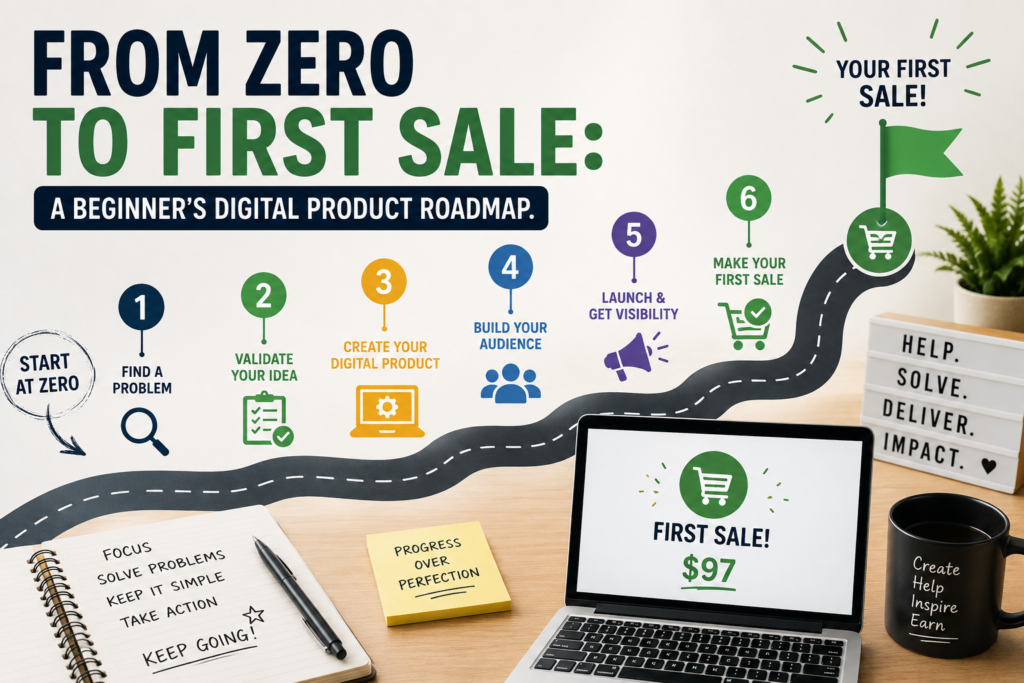
How to Create Your First Digital Product in 5 Simple Steps
- Pick one problem to solve. Start with something people already want help with, like planning, content, money, or organization.
- Choose a simple format. A checklist, template, guide, or planner is easier than trying to make something huge.
- Create it with easy tools. Try Canva, Google Docs, Google Sheets, or Notion.
- Use AI to speed things up. AI can help you brainstorm ideas, write outlines, improve wording, and come up with product names.
- Upload and sell it. You can sell on platforms like Etsy, Gumroad, Payhip, or your own website.
Tips to Make Your Digital Product Easier to Sell
- Keep it simple. Beginners often try to make too much. One small helpful product is better than a big confusing one.
- Solve a real problem. Products that save time, reduce stress, or help people stay organized tend to do well.
- Make it easy to use. Clear instructions and a clean layout make a big difference.
- Use keywords people are searching for. Think about what your buyer would type into Google, Etsy, or Pinterest.
- Test and improve. Your first version does not have to be perfect. Launch, learn, and make it better.
Helpful Tools for Beginners
- Canva for design
- ChatGPT for brainstorming and writing support
- Google Sheets for trackers and spreadsheets
- Notion for templates and systems
- Google Trends for topic research
Why AI Makes This Easier Than Ever
AI has made it easier for everyday people to create digital products faster. You can use AI to brainstorm product ideas, outline content, improve grammar, create product descriptions, and even help with marketing copy. That means you do not have to wait until you “know everything” before you begin.
The smartest way to use AI is not to replace your voice, but to support it. Add your own experience, your own style, and your own perspective. That is what makes your product feel real and trustworthy.
Frequently Asked Questions
Can I really sell digital products with no experience?
Yes. Start with a simple product that solves one small problem. You can learn as you go.
What digital product is easiest for beginners?
Printables, checklists, templates, and simple guides are usually the easiest because they do not require advanced skills.
Do I need a big audience to make sales?
No. A clear product, a helpful description, and good keywords can help you reach buyers even if you are just starting out.
Can AI help me create digital products?
Absolutely. AI can help with ideas, outlines, wording, and marketing. Just make sure to review everything and add your own touch.
Where can I sell my digital products?
You can sell on Etsy, Gumroad, Payhip, Shopify, or your own website depending on your goals and comfort level.
Final Thoughts
If you have been waiting for the “right time” to start, this is your sign. You do not need to be an expert to create something useful. You just need to begin with one simple idea and keep going. The world is moving fast, and AI is opening doors for people who are willing to learn and take action.
Pick one digital product from this list, choose one tool, and create your first version this week. It does not have to be perfect. It just has to be started. And if you want to keep learning how to create and sell digital products the smart way, stay connected and keep building.
SUBSCRIBE TO MY YOUTUBE CHANNEL TO LEARN MORE ABOUT DIGITAL HUSTLE TIPS